Most inventory problems are not software problems. They are discipline problems. A $500-per-month inventory platform used inconsistently produces worse results than a spreadsheet updated every day. The tool matters less than the habit.
What a Good Inventory System Actually Does
A good inventory system tells you three things at any moment: how much stock you have on hand, when you need to reorder, and whether the number in the system matches the number on the shelf. Everything else is useful but secondary.
If your inventory system cannot answer those three questions accurately on any given day, it is not functioning as an inventory system. It is functioning as a record-keeping exercise that gives you false confidence.
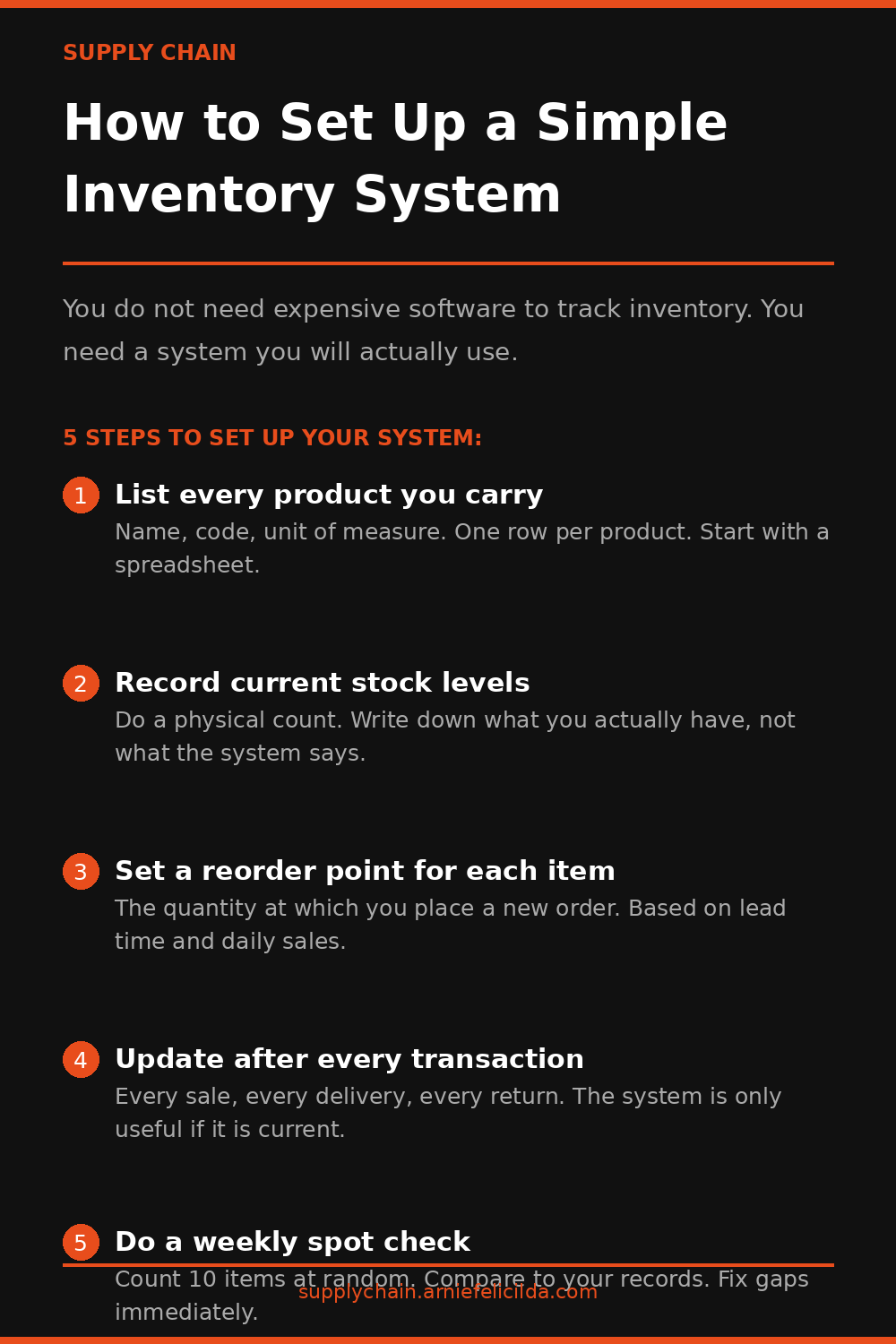
5 Steps to Set Up Your System
List Every Product You Carry
Create one row per product. Include the product name, a unique code or SKU you assign, and the unit of measure - each, box, kilogram, liter. Do this for every product, including packaging materials and components if you manufacture. This list is the foundation of your system.
Record Your Current Stock Levels
Do a physical count. Count every product on your list and write down what you physically have in your hands. Do not use your purchase order history or your existing records as a starting point. Those numbers have accumulated errors. Start clean.
Set a Reorder Point for Each Product
The reorder point is the inventory level at which you place a new order. Calculate it based on your daily sales rate multiplied by your supplier lead time, plus your safety stock. Write it in your system next to each product. When the on-hand quantity hits the reorder point, an order gets placed - no matter what else is happening that day.
Update After Every Transaction
Every sale reduces your on-hand quantity. Every delivery increases it. Every return or damaged unit needs to be recorded. The system is only as accurate as the last transaction entered. Build the update into the transaction itself - not as a separate end-of-day exercise that gets skipped when things get busy.
Do a Weekly Spot Check on Your Top Products
Pick your ten highest-volume products. Count them physically every week. Compare the physical count to what your system says. Any difference above two percent gets investigated immediately. This habit catches errors before they accumulate into a reorder decision based on a number that no longer reflects reality.
What Software to Use
Google Sheets or Excel is sufficient for most small businesses managing under 200 SKUs. It is free, accessible from any device, and flexible enough to add formulas for reorder points and running totals. If you outgrow a spreadsheet, the discipline you built while using one will make the transition to dedicated software much smoother.
For more on this topic, read Inventory Carrying Cost - What It Actually Costs You to Hold Stock. You may also find ABC Analysis - Find Where Your Money Actually Is useful for the next step.
Coming Soon - SCM Book 01
Inventory Without the Anxiety
Practical inventory control for small business owners and managers tired of stockouts eating their margins and overstock draining their cash flow. Join the waitlist.
Join the Waitlist